
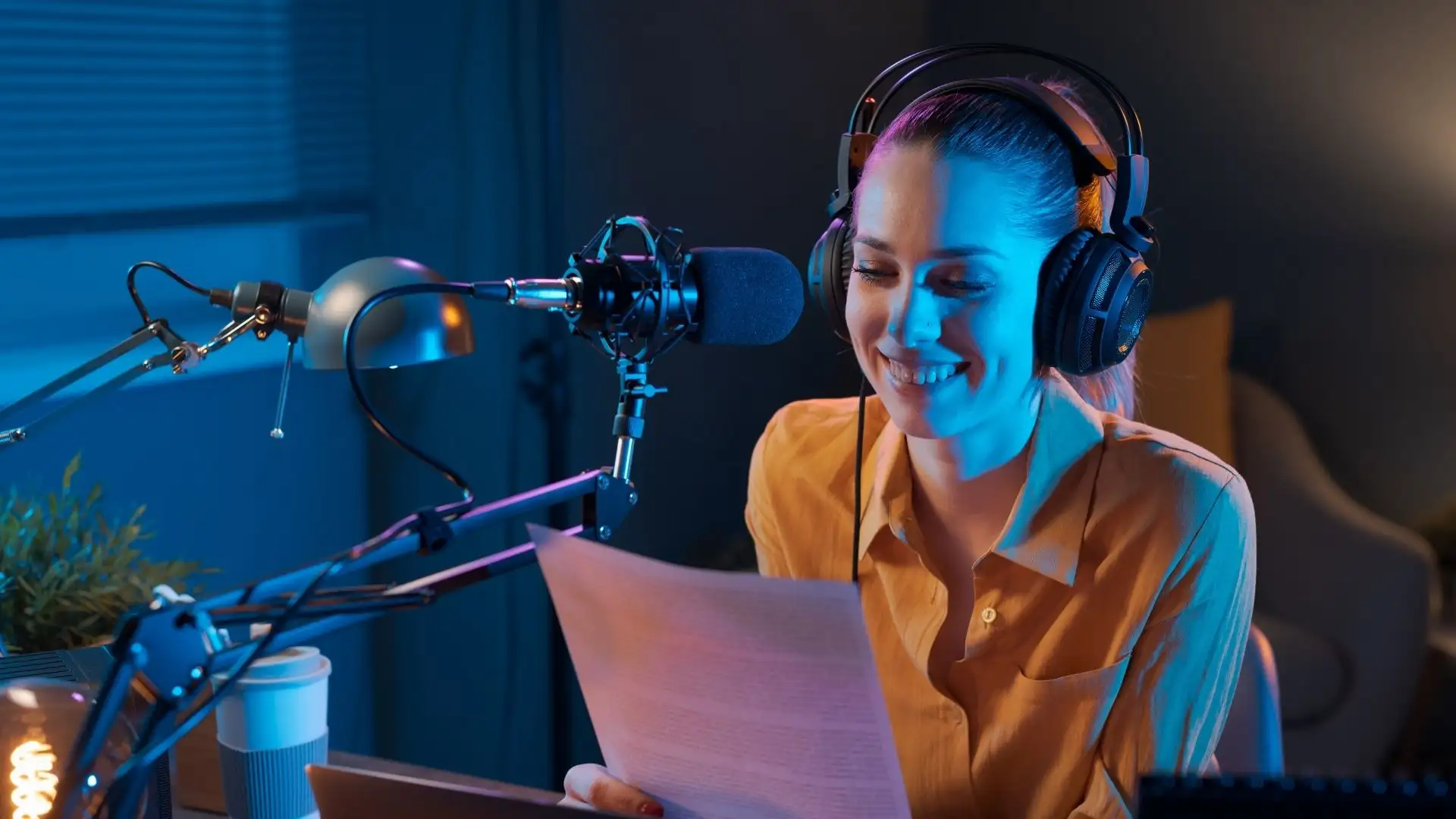
1. Decide what kind of radio station you're building
Before buying equipment or choosing a hosting package, think about your programming.
Will your station be mainly music, talk radio, news, sports or community programming, religious or educational broadcasting, live DJ shows, fully automated, or a combination of live broadcasting and AutoDJ?
Also consider whether you will have several presenters broadcasting remotely, whether you need scheduled programmes and whether you expect your station to operate 24 hours a day.
You don't need every answer on day one. But having a clear idea of your station makes choosing the technology much easier.
2. Get the essential broadcasting equipment
You can start surprisingly lean.
For a basic internet radio setup, you'll usually need a computer, reliable internet connection, headphones and appropriate broadcasting software.
If you're presenting live programmes, add a good microphone.
More advanced studios may also use an audio interface or mixer, microphone processor, monitor speakers, multiple microphones and other production equipment.
Don't feel pressured to build a professional studio before your first broadcast. A modest, clean setup that you understand is far more useful than expensive equipment you don't yet know how to operate.
Your internet connection matters
For live broadcasting, your connection must reliably upload the encoded audio from your studio to the streaming server.
AutoDJ is different. Once your music and other audio have been uploaded to the radio server, the server can continue broadcasting without your computer remaining switched on.
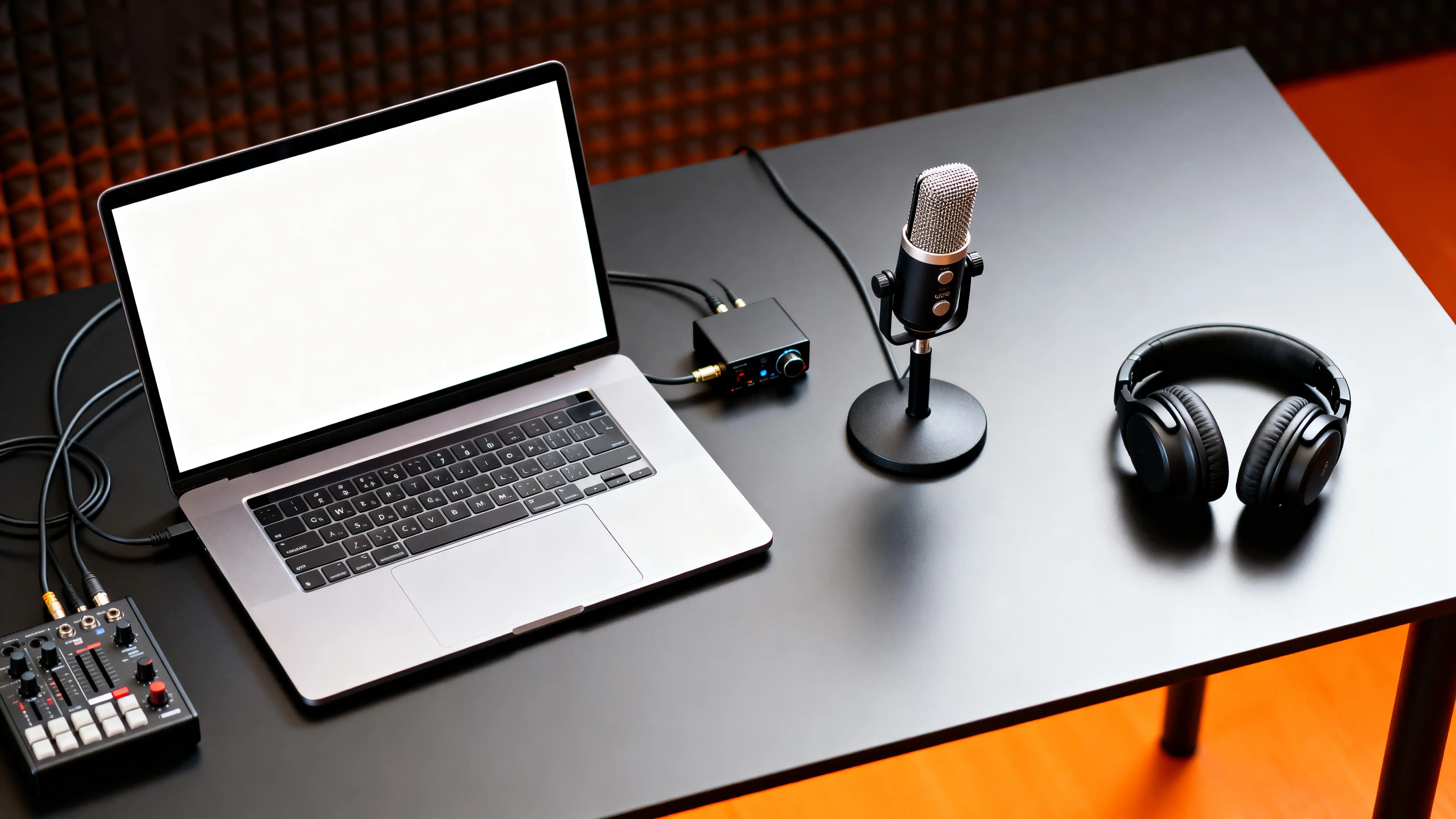
Start clean and understandable. You can add mixers, processors and other hardware when your workflow actually calls for them.
3. Choose an internet radio hosting service
Your broadcasting computer isn't normally expected to send a separate audio connection directly to every listener. Instead, you send your broadcast to a streaming server. The server receives your audio and distributes it to your listeners.
When comparing radio hosting, consider listener capacity, bandwidth, bitrate, AutoDJ storage, radio management software and support—not only monthly price.
4. Understand SHOUTcast and Icecast
Both are streaming-server technologies used to distribute internet radio.
For a new broadcaster, the important thing isn't memorising every technical difference before launching. What matters is whether your hosting platform supports the protocol and features required by your broadcasting software, player and distribution plans.
Streemlion's current radio services provide SHOUTcast/Icecast options depending on the platform and package.
5. Choose your streaming bitrate
Bitrate affects both audio quality and data consumption. A higher bitrate generally allows better audio quality, but it also means more data has to be transmitted to every listener.
You may encounter options such as 64, 128, 192, 256 or 320 kbps, depending on codec, hosting package and intended listening experience.
Your goal is the right balance of quality, reliability and accessibility.
6. Decide between Live broadcasting and AutoDJ
Live radio means your programme is being produced in real time. Your broadcasting application connects to the radio server and sends audio to listeners through the streaming server.
AutoDJ allows your radio server to broadcast uploaded audio automatically. You upload music, programmes, station IDs, jingles and other audio, create playlists or schedules, and the server handles playback.
For many stations, Live + AutoDJ is the ideal arrangement: AutoDJ handles unattended periods and live presenters take over when scheduled.
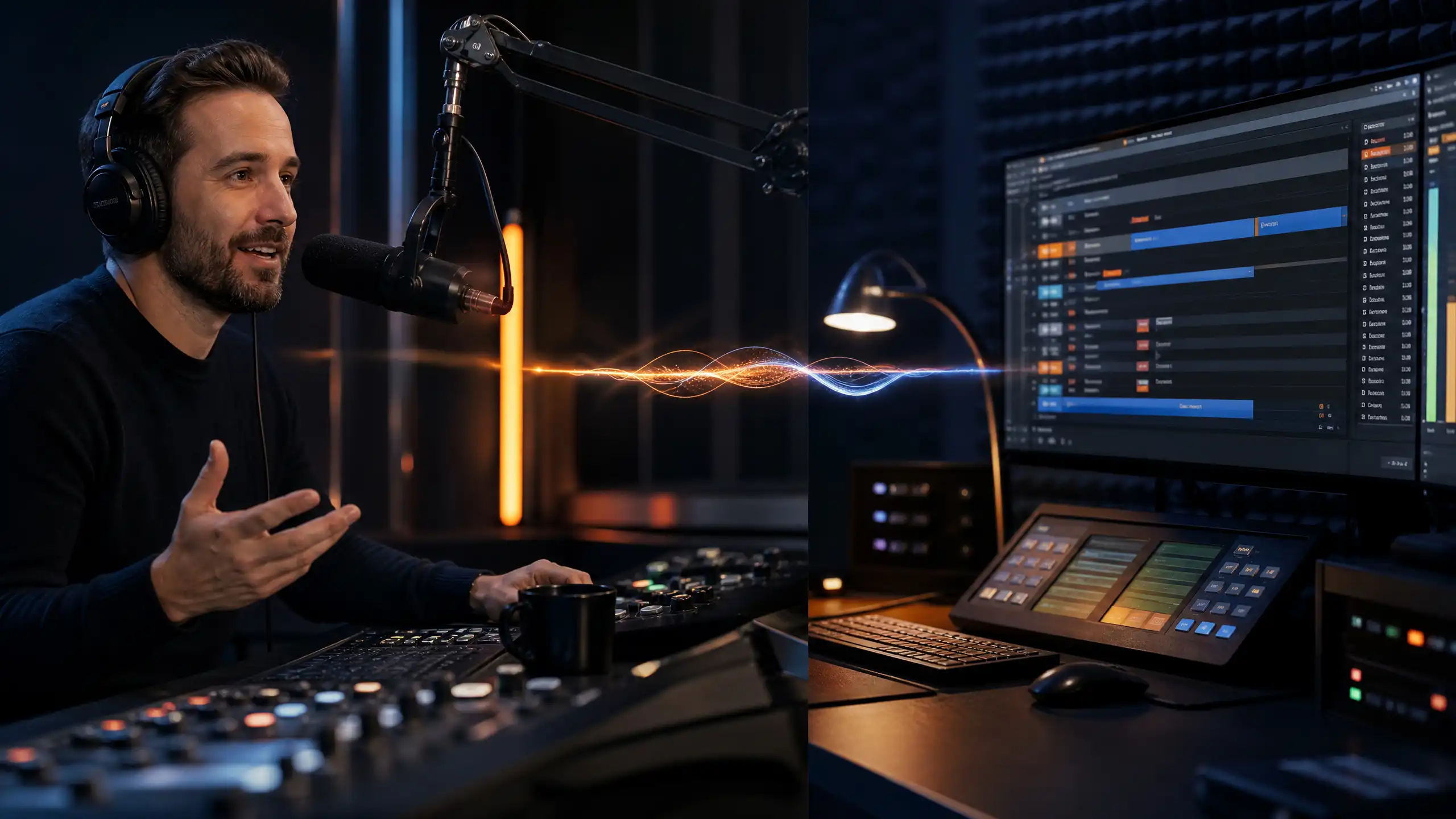
7. Build your programming
Having a technically working stream doesn't automatically make a good radio station. Programming does.
Create programme blocks. Organise music rotations. Schedule specialist shows. Decide how often station IDs and jingles should appear.
Your station needs an identity—not merely an audio stream.
8. Understand music licensing before broadcasting
If your station broadcasts commercially released music, you may need permission or licences covering the rights applicable to your broadcast and audience.
Streemlion includes SOCAN music licensing coverage for eligible Streemlion services covering the Canadian territory, subject to licensing terms and required player conditions. That does not automatically license listeners in every country.
Read the Streemlion Licence FAQs before launch and determine what applies to your station.

SOCAN licensing on eligible Streemlion services applies to the Canadian territory under the applicable terms.
It does not automatically cover listeners everywhere. The Licence FAQs should be your next stop before launch.
9. Test before announcing your station
Test audio levels, buffering, metadata and song titles, playlist transitions, jingles, Live-to-AutoDJ handovers, website player, mobile playback, stream links, schedules and time zones.
Ask a few other people to listen too.
10. Launch—and start finding listeners
Going on air is the beginning, not the finish line.
Create a clear station website or landing page. Make listening effortless. Promote programmes rather than endlessly posting “listen to my radio.” Build relationships with communities relevant to your format, use social platforms where your audience already spends time, and pay attention to listener statistics.
Audience growth is usually cumulative. Ten genuine regular listeners are more valuable than thousands of meaningless clicks that never return.
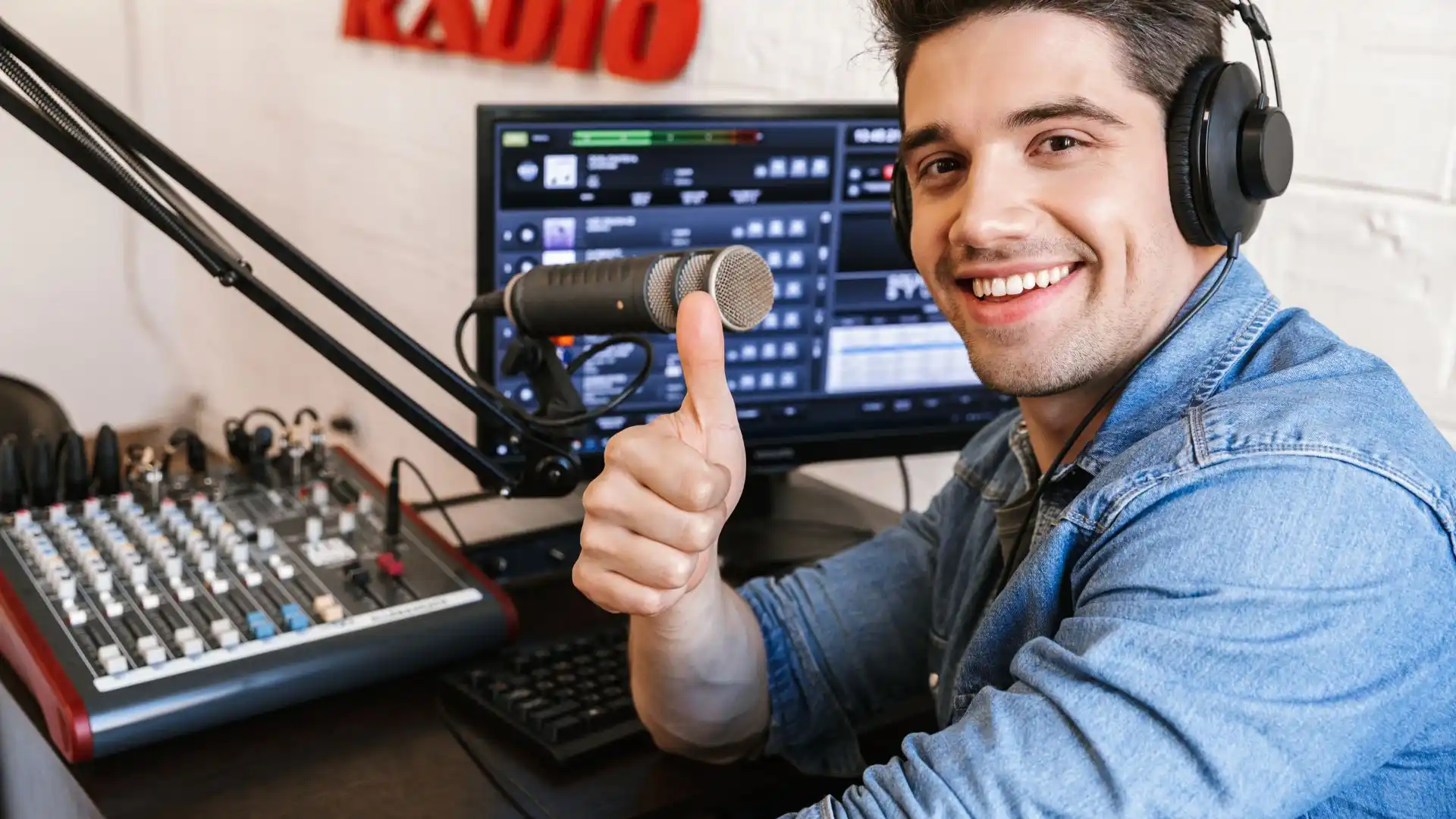
How much does it cost to start an internet radio station?
There is no single figure. A basic station can start with equipment you already own plus radio-hosting cost. A more sophisticated operation may invest in microphones, mixers, audio interfaces, studio acoustics, automation software, music licensing, branding, websites and marketing.
Start with what your programme actually requires.
Common mistakes new internet radio broadcasters make
- Buying too much equipment too early.
- Choosing hosting only by price.
- Ignoring licensing.
- Treating AutoDJ as random playback.
- Launching without testing.
- Expecting listeners to appear automatically.
- Trying to perfect everything before starting.
Internet Radio FAQ
Do I need a radio licence just to start an internet radio station?
There isn't one universal answer. Requirements depend on what you broadcast and where your listeners are located.
Do I need a powerful computer?
Not necessarily. A reasonably capable modern computer can handle many basic live-broadcasting setups. AutoDJ playback occurs on the radio server.
Can my internet radio station run 24/7?
Yes. AutoDJ makes continuous broadcasting possible without keeping a presenter or studio computer operating around the clock.
Can several DJs broadcast from different places?
Yes, if your radio platform and configuration support separate presenter/DJ access.
Is SHOUTcast better than Icecast?
Neither is universally better. Choose according to your station, hosting platform and distribution requirements.
How many listeners should I start with?
That depends on your expected launch audience and budget. Start with enough headroom and increase capacity as listenership grows.
Can I start with AutoDJ and add live presenters later?
Yes. Establish automated programming first and introduce live shows as your team and schedule develop.
# Ready to put your station on air?
Know the station you want to create. Get the essential equipment. Choose dependable hosting. Build your programming. Understand your licensing responsibilities. Test carefully.
Then broadcast.
Streemlion provides internet radio hosting for broadcasters who want to start, continue or grow their stations.